WORK
What I Do.
Complex products. Messy systems. Lots of moving parts. Here's how I make them easier to understand, build, and scale.
Selected Work
Conversational UX at Scale
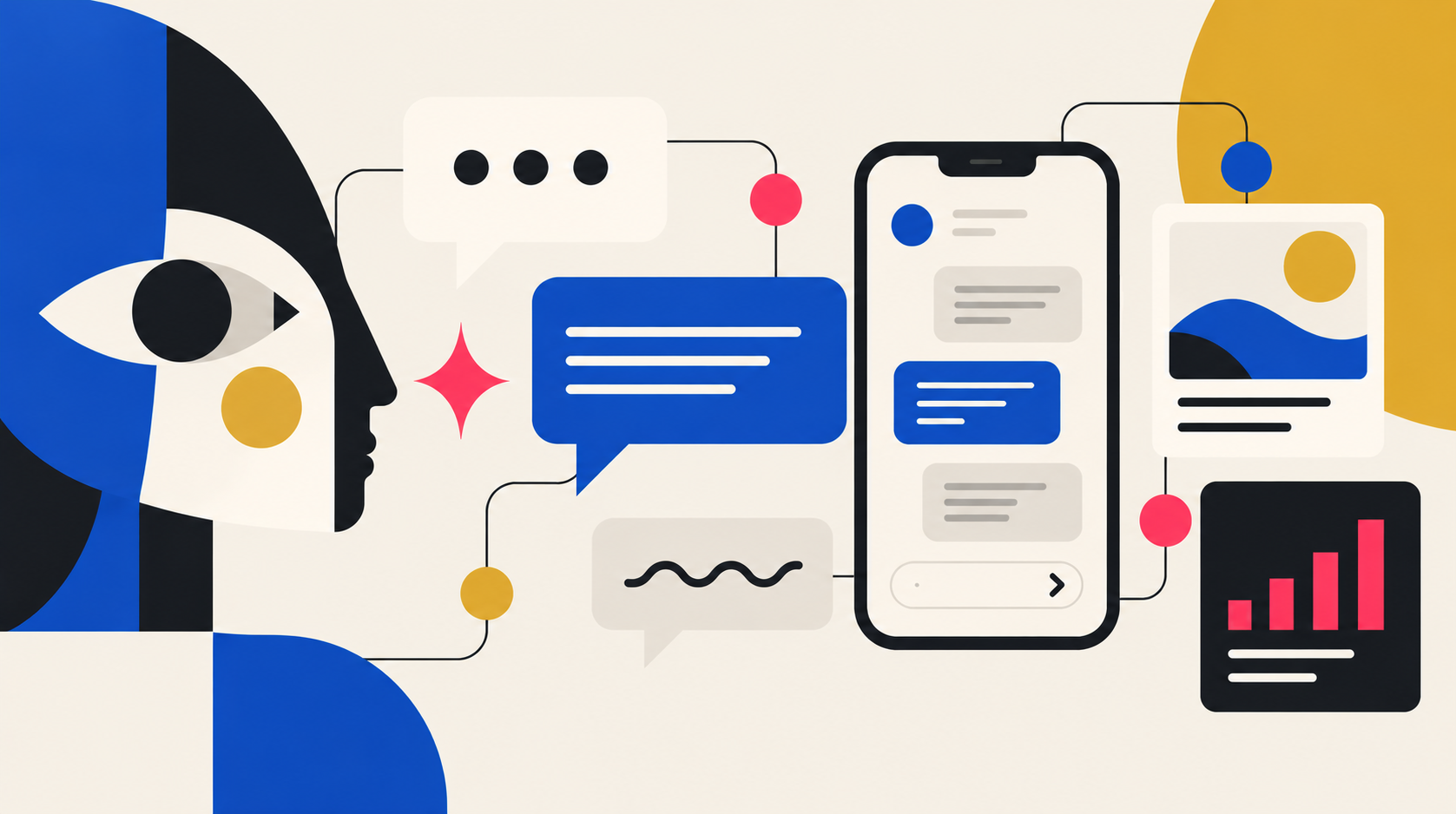
Unifying multiple fragmented design libraries into a single, scalable system across the virtual assistant, chat, and search product ecosystem, creating consistency across web, mobile web, iOS, and Android while supporting complex conversational flows and high-fidelity prototyping.
View the case study →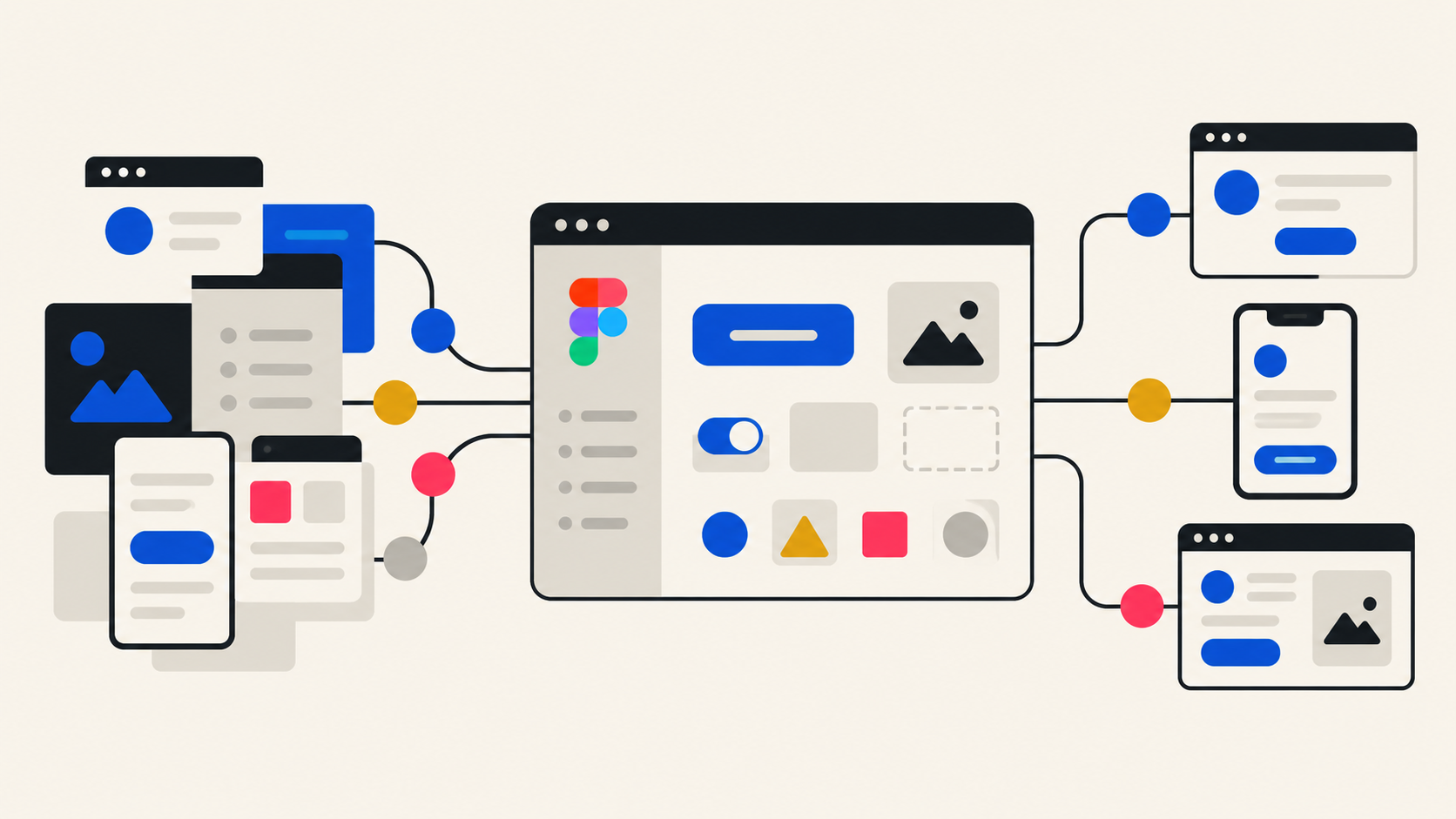
From Miro to a Scalable Figma System
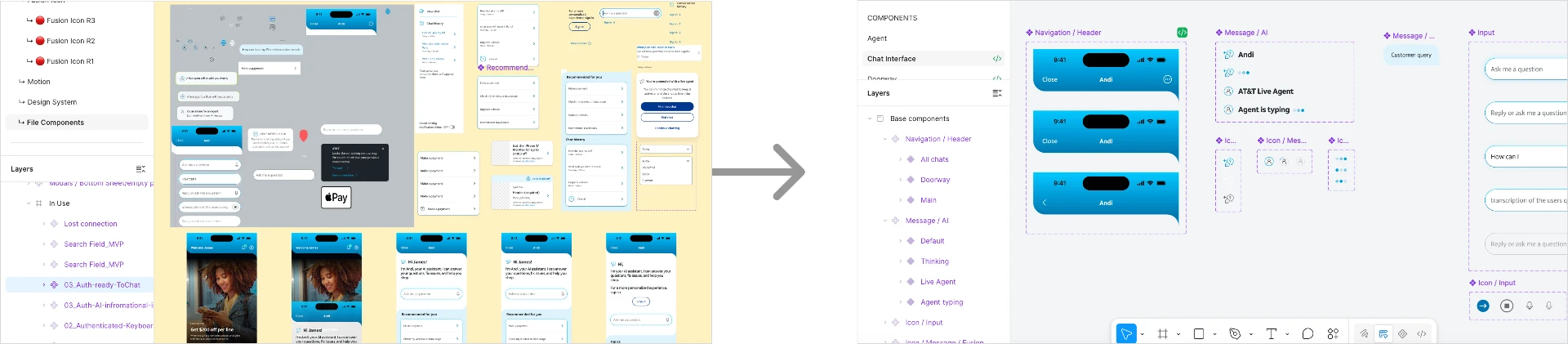
Transforming a complex legacy UX file into an organized, reusable Figma experience auditing, rebuilding, and structuring the work so future designers can find, understand, update, and reuse it.
View the case study →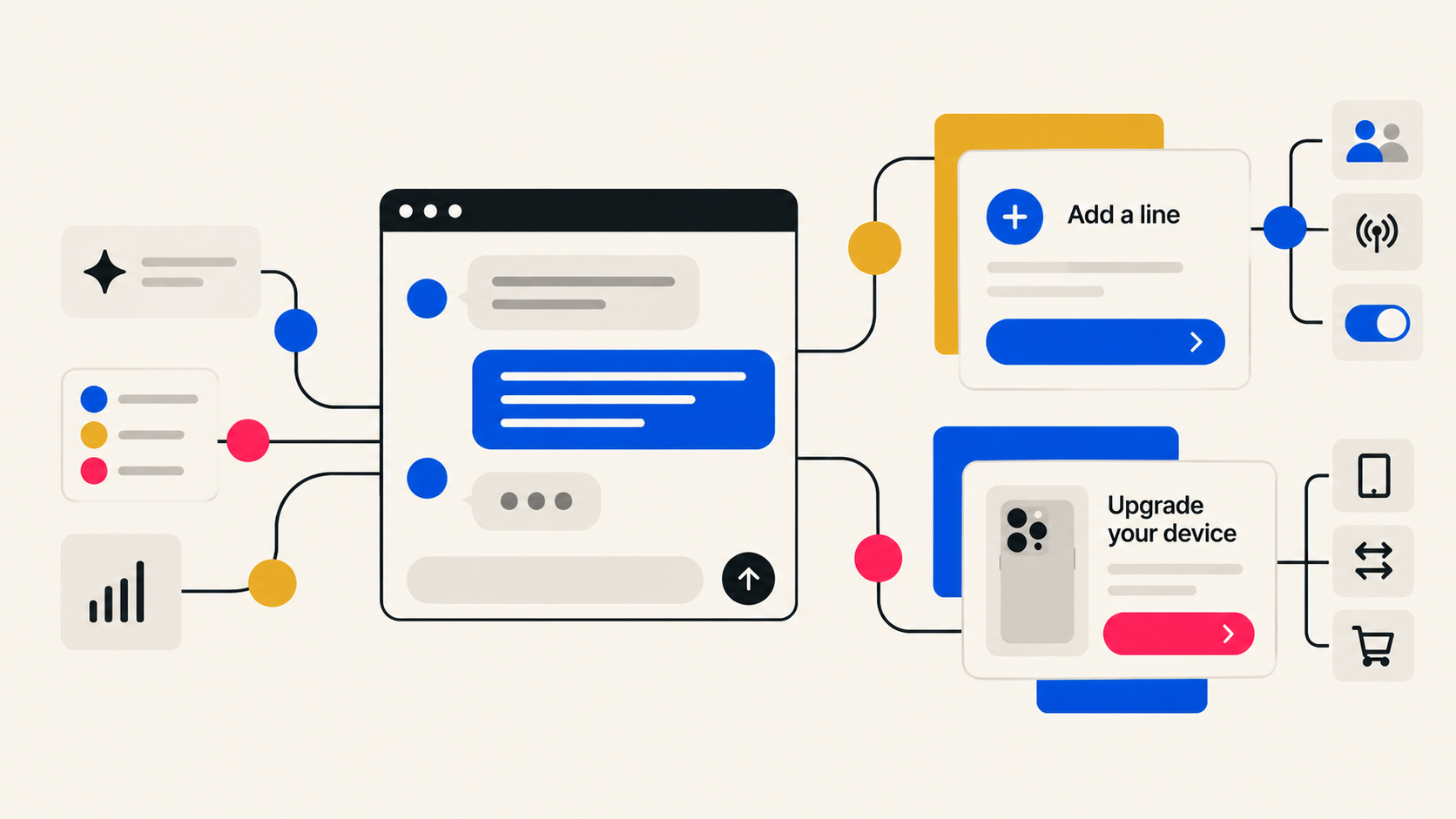
Designing AI-Assisted Customer Experiences
Leading UX design for conversational journeys that help customers add a line and upgrade their mobile devices, from user flows and high-fidelity designs to production QA.
View the case study →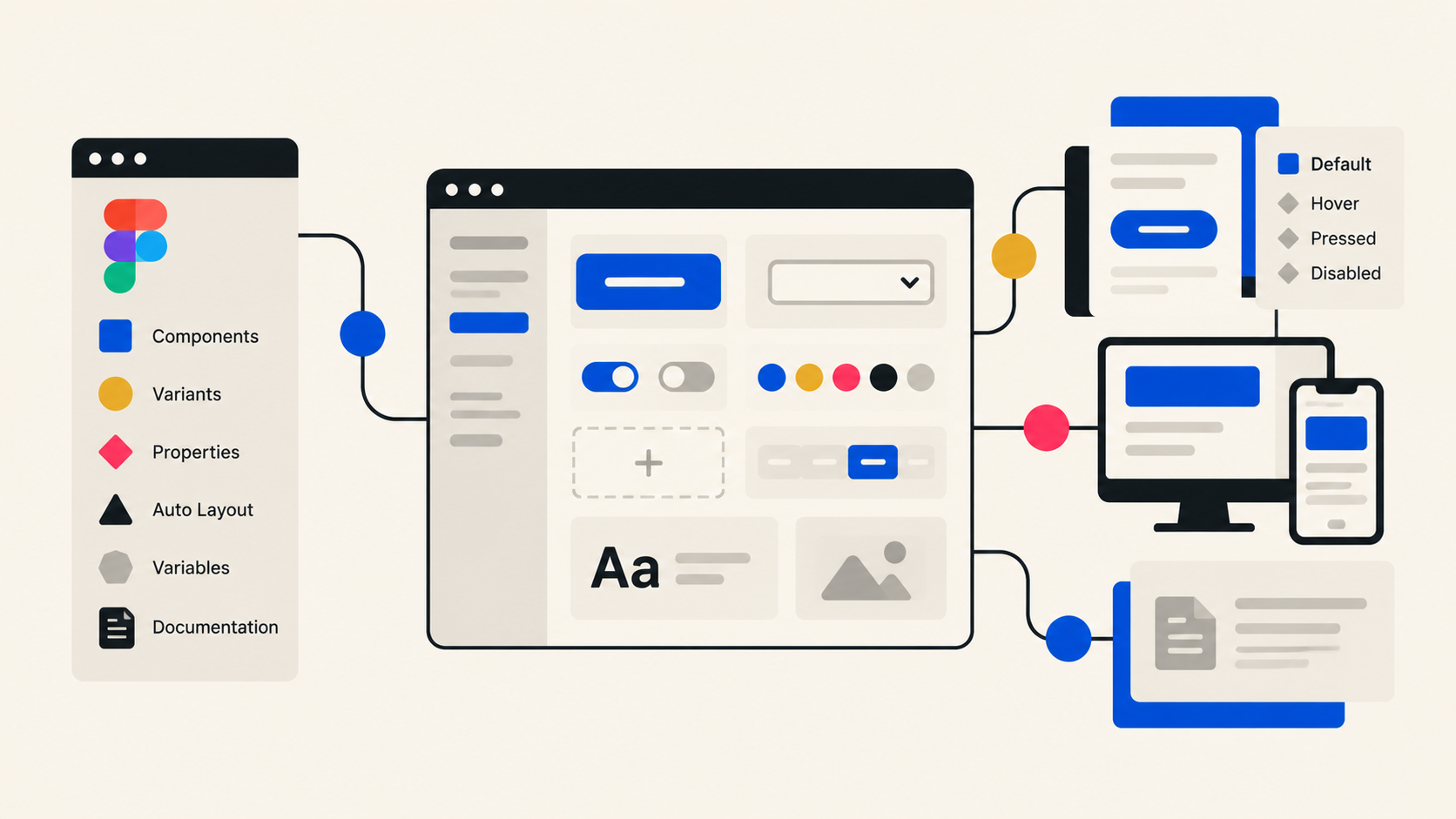
Design Systems
How I build and organize design systems in Figma: component architecture, variants, properties, Auto Layout, variables, and documentation that keeps libraries scalable.
View the case study →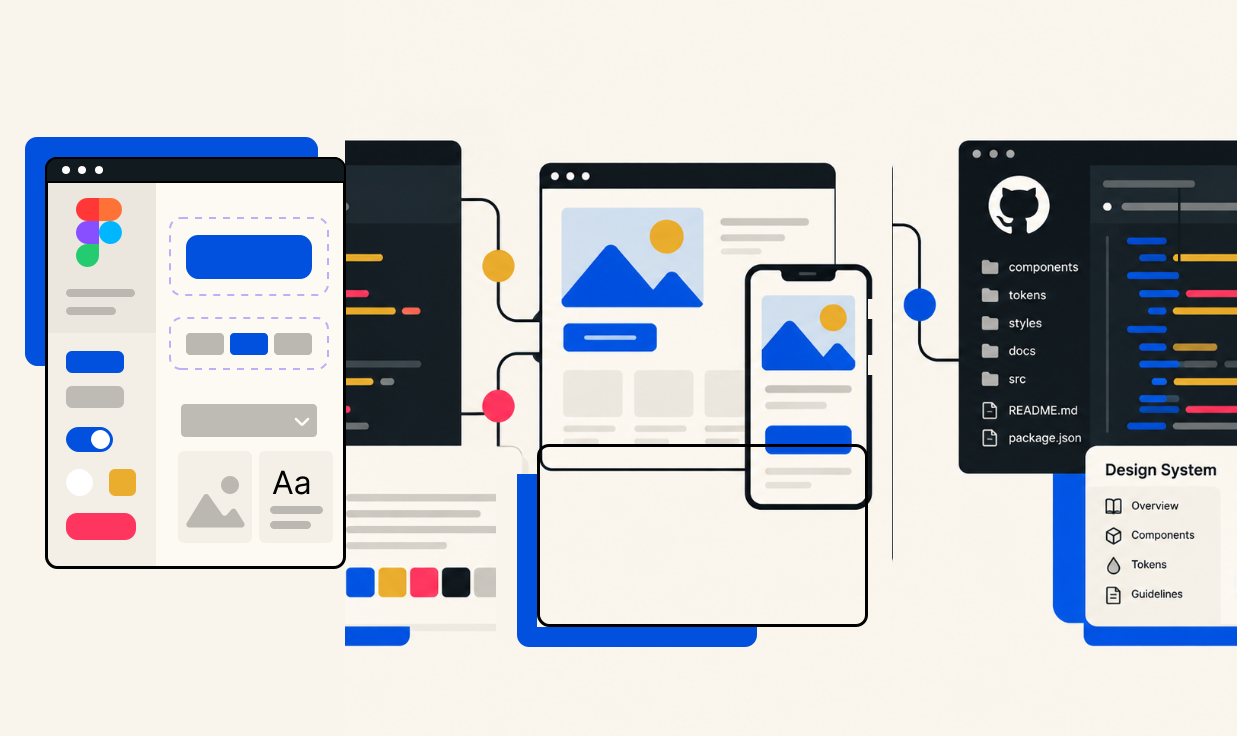
Experimenting Beyond Figma
Building a functioning prototype with a design system managed in GitHub, exploring how Figma decisions translate into code and what design systems become beyond the design file.
View the case study →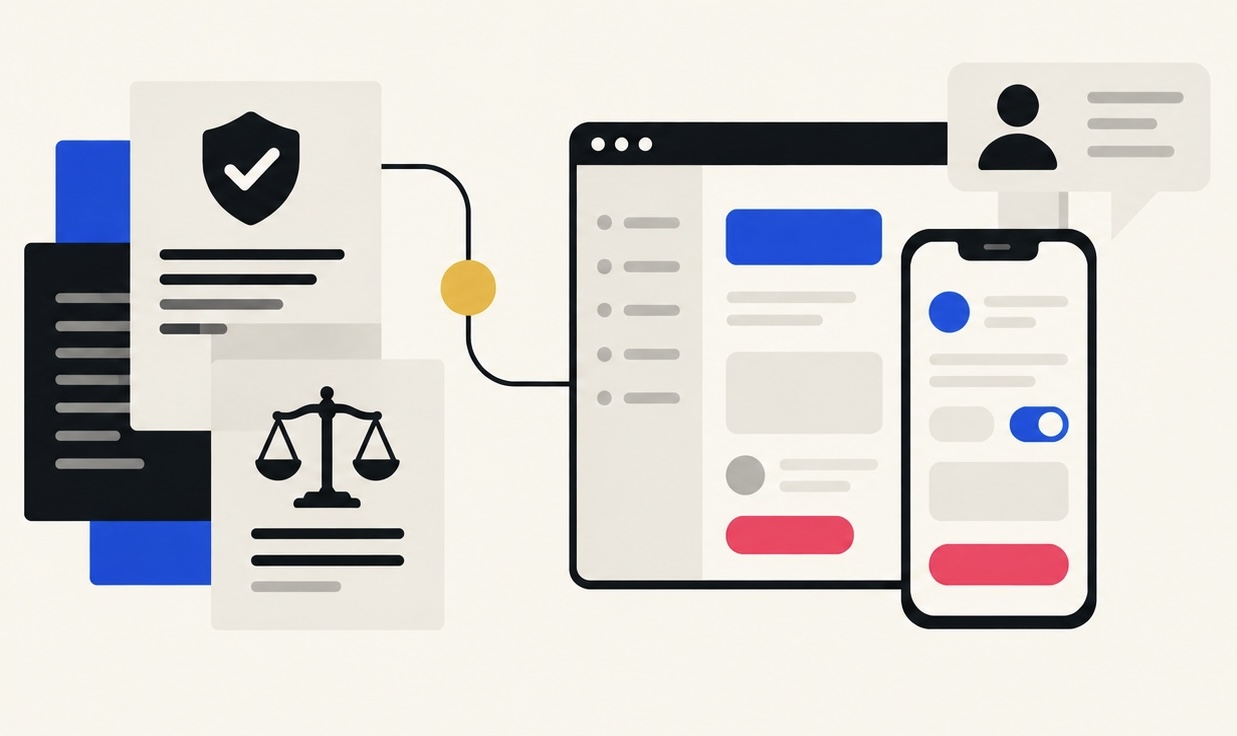
Designing Within Constraints
Solving usability challenges within regulatory requirements. Balancing compliance, business needs, and the user experience while advocating for clearer, more usable solutions.
View the case study →My Design-System Philosophy
I like complex systems. More specifically, I like making complex systems feel simple.
Give me an overloaded Figma file, inconsistent components, duplicated patterns, and a product that's evolved faster than its library, and I want to understand how it works, organize it, and make it easier for the next person to use.
For me, a successful design system isn't just visually consistent. It's organized, scalable, reusable, and makes everyone's work easier.