CASE STUDY 02
From Miro to a Scalable Figma System.
Transforming a complex legacy UX file into an organized, reusable Figma experience.
Role
Lead UX Designer
Timeline
2024–2025
Platforms
Desktop · Figma
The Challenge
A working file that outgrew its tool.
The product's UX had been built and maintained in Miro, where years of screens, flows, annotations, and iterations had accumulated into a large working file.
Miro had been useful for collaboration and mapping ideas, but it was no longer the right tool for maintaining production-level interface design. Screens were difficult to update consistently, reusable patterns were limited, and navigating the experience required understanding how the original board had evolved.
The goal wasn't simply to move screens from one tool to another. It was an opportunity to rethink how the work was structured so future designers could find, understand, update, and reuse it.
My Role
Owning the migration end to end.
I owned the migration of the UX from Miro into Figma, rebuilding the existing experience while creating a clearer foundation for ongoing design work.
That meant balancing two priorities: accurately preserving the existing experience while improving the structure behind it.
Rather than treating the project as a visual recreation exercise, I approached it as a systems and organization problem.
Auditing Before Rebuilding
Understanding before recreating.
Before recreating anything, I reviewed the existing Miro board to understand what was actually there.
I identified recurring UI patterns, duplicate screens, variations of the same interaction, outdated work, and areas where similar elements had been created independently over time.
This audit helped separate the underlying product patterns from the way they happened to be represented in Miro. Instead of carrying the existing mess into a new tool, I could establish a structure intentionally.
Rebuilding in Figma
Components, not copies.
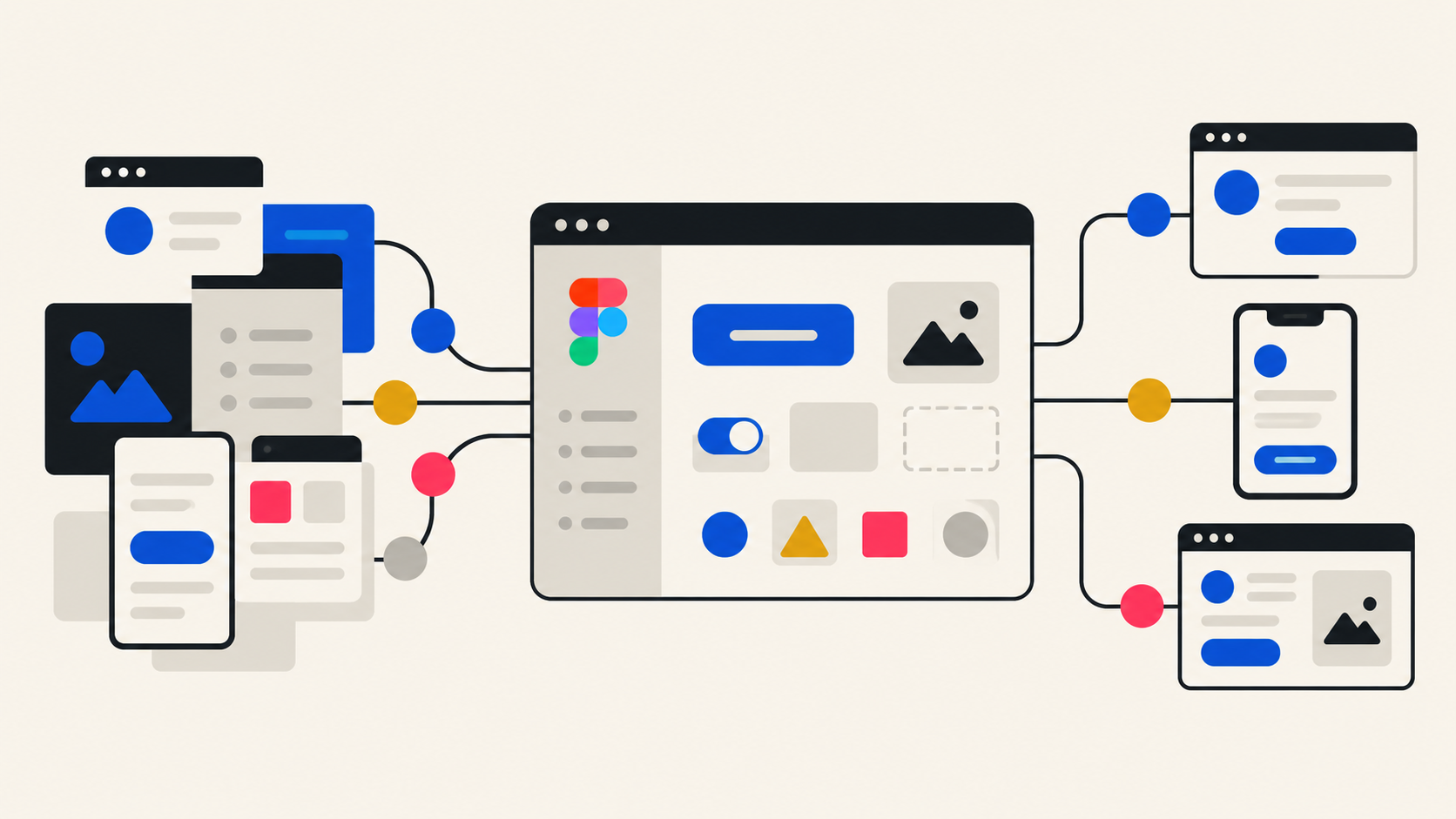
I recreated the relevant screens and flows in Figma using reusable components, consistent layout behavior, and clearer file organization.
Repeated interface elements became shared components rather than individually maintained objects. Variations were handled systematically, and screens were organized around recognizable flows and states.
The result was a file that behaved more like a product design environment than a collection of static screens.
Creating a Better Source of Truth
A file another designer can open.
File structure was an important part of the design work. I organized the Figma file so another designer could open it and understand where things lived without needing a guided tour.
Clear naming, logical hierarchy, reusable components, and predictable patterns made it easier to distinguish current work from supporting material and understand how individual screens related to the larger experience.
The migration also made future updates easier. Changes to shared patterns could be made centrally instead of manually repeated across numerous screens.
The Outcome
From artifact to system.
What began as a tool migration became an opportunity to improve the maintainability of the product's UX.
The work moved from a sprawling Miro board into a structured Figma environment that was easier to navigate, update, reuse, and hand off.
More importantly, the project established a stronger foundation for future design work. Instead of continuing to add screens to an increasingly difficult artifact, the team had a system that could evolve with the product.
What This Project Demonstrates
Structure is the deliverable.
This project reflects the kind of UX work I gravitate toward: finding complexity behind the interface and giving it structure.
The value wasn't simply recreating screens accurately. It was understanding the existing ecosystem, identifying repeatable patterns, and turning years of accumulated work into something designers could actually build on.